

The Calendar tab
Short answer
The Calendar tab shows a month at a time, with each email on the day it went out or is due, including canceled and failed ones. Drafts stay on the Emails list until they have a date.
Open Emails, then the Calendar tab beside it. The page shows one month, and Create email sits at the top right like it does on the list.
The month
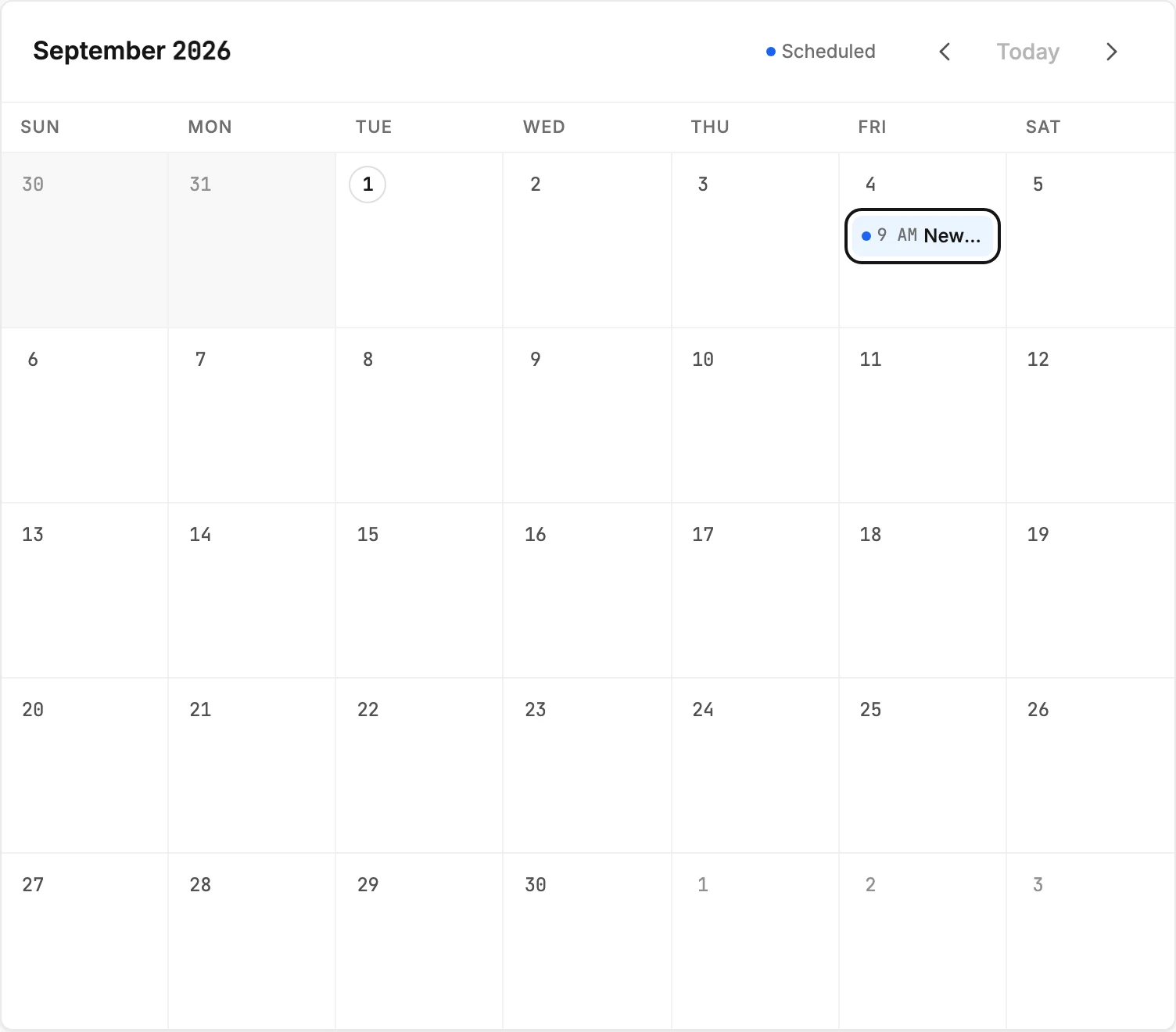
The month and year head the grid. Previous month and Next month, the two arrows at the right, move a month at a time. Today brings you back to this month and is dimmed while you’re already on it.
The days of the week run across the top. Days that have passed sit on a shaded ground, and today wears an outline around its number. Days from the neighboring months fill the first and last rows in lighter ink.
The emails
Each email sits on its day with its send time and name. A sent email sits on the day it went out and wears a small check. A scheduled email sits on the day it’s due and wears a blue tint.
A canceled email stays on its day with its name struck through, and a failed one wears a red tint. The legend above the grid lists the statuses on screen. Email statuses explains each one.
Rest your pointer on an email to see the full name, its status, and the exact date and time. Select one to open the email’s results page. Back to calendar at the top of that page returns you here.
Drafts have no date, so they never appear on the calendar. See Why isn’t my email on the calendar?
Plan a send from a day
Rest your pointer on today or any later day and a + appears in its corner. Select it, or the empty part of the day, to start an email that is already set to go out that day. Days that have passed offer no +. See Schedule an email from the calendar.
Before anything is on it
Until you send or schedule an email, the tab says Nothing on the calendar yet and offers a Create email button. A month with nothing on it says so at the top. When that month is still ahead of you, the note adds Click a day to schedule an email.
More in this topic
Updated