

The Forms page
Short answer
Open Forms to see every form and page you’ve made, one card each, with its name, its kind, and a Draft or Live label. Search, Sort, Status, and Folder sit above the cards, and Create form at the right.
Forms in the top bar opens the Forms page. Under the title, a count says how many forms you have. Inside a folder, it counts that folder instead.
Each card
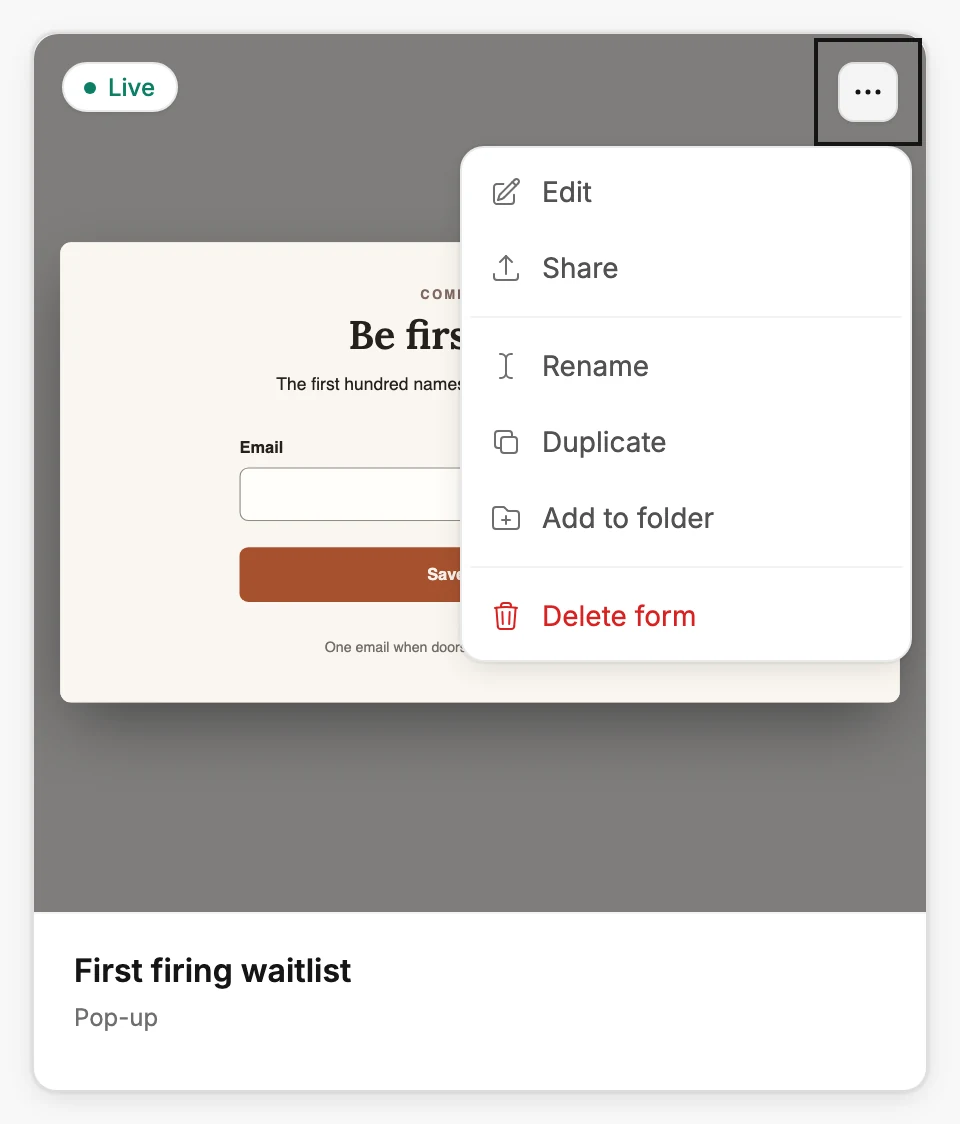
A card shows the form itself, draft or live, so you can tell them apart at a glance. The whole form fits inside the card, never cropped, so a long form looks small there. Hover and Edit appears. Select anywhere on the card to open the form in the editor.
Under the form’s name, the card says its kind: Pop-up, Inline, Full page or Link in bio. See The four kinds of form.
The label in the corner reads Draft or Live. Draft and live explains the difference. When a form is in a folder, the folder’s name sits under the card.
The three dots on a card open its menu:
- Edit opens the form in the editor.
- Share opens the editor with its Share dialog already open. It appears only on a live form.
- Rename changes the form’s name. See Rename a form.
- Duplicate makes a copy. See Duplicate a form.
- Add to folder files the form. See Organize emails and forms with folders.
- Remove from folder appears while you’re looking at one folder.
- Delete form removes it. Managers and Admins see this row; Editors don’t. See Delete a form.
Above the cards
Search matches part of a form’s name. Sort offers Name (A–Z) and Name (Z–A) and appears once you have more than one form. Status lists All, Draft, and Live, each with a count.
Folder appears once a folder exists and shows one folder at a time. Its Manage folders link is where you rename or delete folders. In a narrow window, Sort, Status, and Folder sit under Filters, and so do the two view buttons.
When nothing matches, the page says so and offers Clear search, Clear filters, or Clear search & filters, naming what is narrowing the list. Search, sort, and filter a list covers the details.
Cards or a list
The two small buttons beside Create form switch between cards and a list. The list shows the same forms as rows. Kind says what kind each form is, the word under its name on a card.
Views, Submissions, and Conversion count everything since the form went live, and a dash means there is nothing to count yet. Why are my form’s numbers blank? explains each dash.
Analytics shows these numbers for every form, over a time range you pick. See The Forms tab.
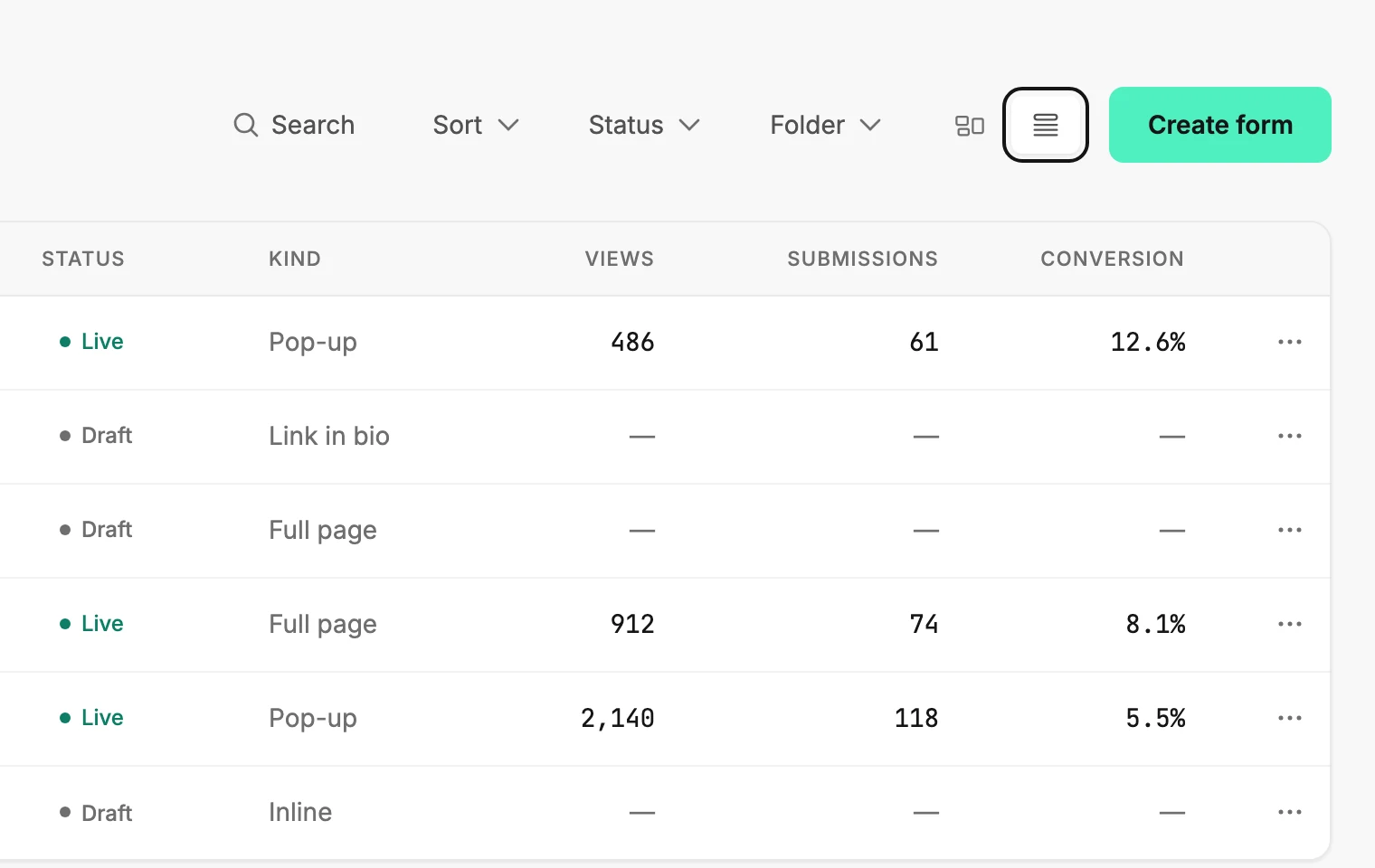
Cards show twelve to a page and rows fifty. The control under the list turns pages and changes the page size.
Before your first form
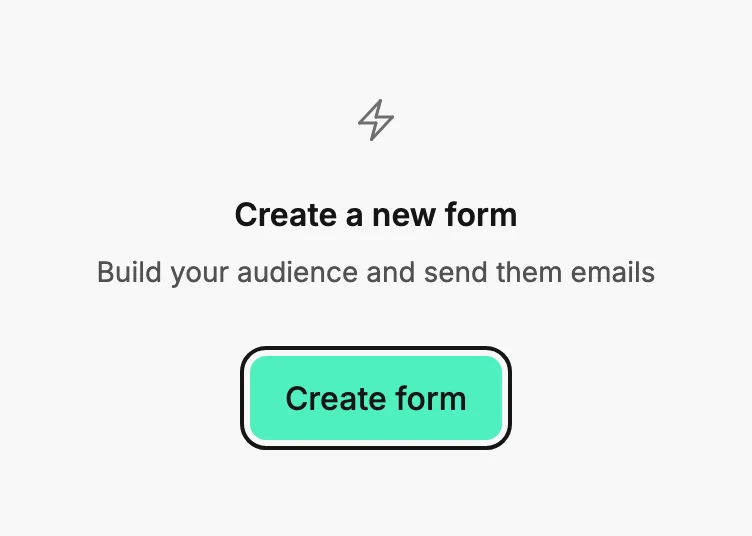
With no forms yet, the page reads No forms yet and shows one button, Create form. It leads to the same place as the button at the top: Create a form from a template.
More in this topic
Updated