

Add, move, or remove a block
Short answer
On a full page, the + at a block’s edge adds a block, and the tools beside a selected block move, copy or delete it. An inline form and a link-in-bio page can only reorder their blocks.
When you’re done, the form has the blocks you want, in your order.
A block is one band of the form: a headline and intro, the sign-up fields, a list of links, the fine print. What you can do with one depends on the kind of form.
| Kind | Add | Move | Copy or delete |
|---|---|---|---|
| Full page | Yes | Yes | Yes |
| Inline form | No | Yes | No |
| Link-in-bio page | No | Yes | No |
| Pop-up | No | No | No |
Select and move a block
Select any part of the block, then press Esc. An outline runs around the whole block and a column of tools stands beside it. Point at each to see its name: Move up, Move down, Duplicate and Delete block.
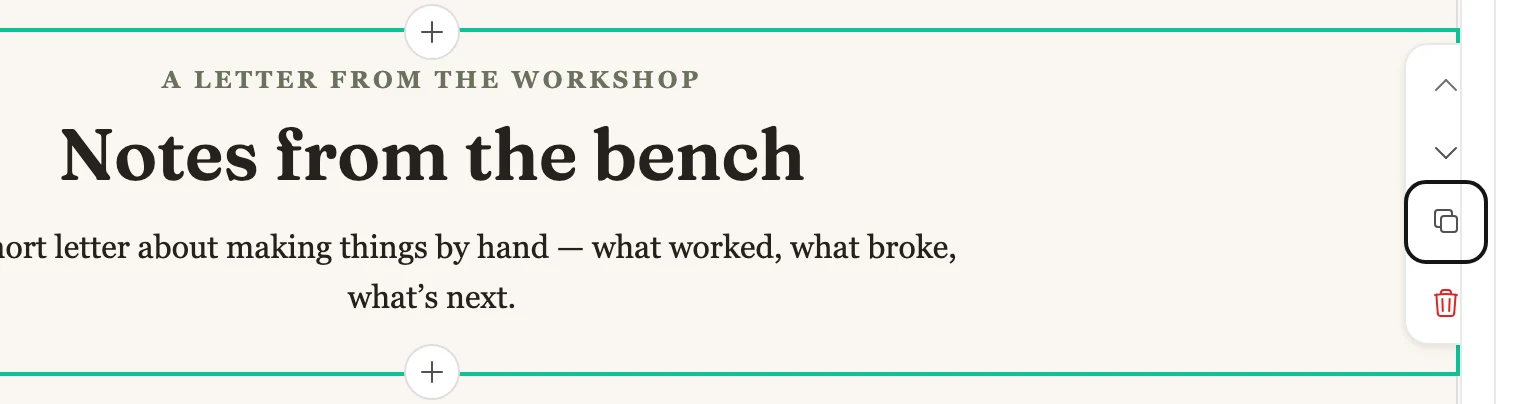
Move up and Move down move the block one place per press. Move up is dimmed on the first block, and Move down on the last.
Add a block to a full page
-
Point at a block, or select it. A + appears at its top edge and its bottom edge.
-
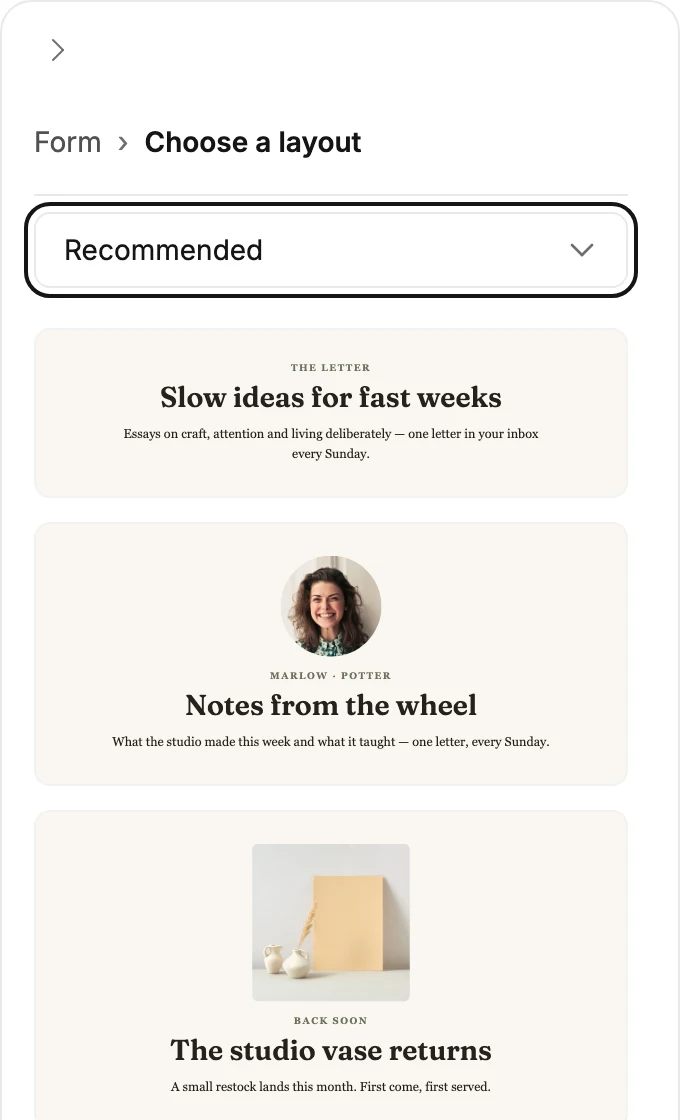
Select the +. The settings panel shows a gallery, under Choose a layout. Nothing is added yet.
-
Pick a card. The block is added at that spot, selected, with the words its card showed for you to write over.
The gallery opens on Recommended. The menu above the cards holds the other groups, such as All layouts, Openers and Closers, each with a count of its designs. Press Esc to close the gallery without adding anything.
Duplicate or delete a block on a full page
Duplicate puts a copy right below the block and selects it.
The keyboard works too: select the block and press ⌘C (Ctrl+C on Windows), then select the block you want it below and press ⌘V (Ctrl+V).
The copy stays ready while this tab is open, so it can go on another page you open here. A block copied from an email can’t go in a form, and Jounce says so. One Undo takes a paste back.
Delete block removes the block. So does pressing Delete while the whole block is selected. Jounce says Block deleted. and offers Undo for a moment. Undo in the top bar brings it back later.
A page keeps at least one block of sign-up fields. With two, a field you switch on or off changes in both, and Elements says Both sign-ups above the switches.
On the other kinds
An inline form and a link-in-bio page come as one piece. Move up and Move down work there. Duplicate and Delete block answer This design comes as one piece. Change the whole design, not single blocks.
A pop-up is one design with no blocks to select. To change what’s in one, see Hide or show an element.
Next step
A block you add comes with sample words. To make them yours, see Edit the words, images, and buttons.
More in this topic
Updated