

Delete a form
Short answer
Open the three-dot menu on a form’s card, choose Delete form, and confirm; a live form goes offline first. The signups it collected stay in your audience.
When you’re done, the form is gone from the Forms page and from any folder it was in.
- Open Forms and find the form.
- Select the three dots on its card, then Delete form.
- The dialog names the form and says This takes the form offline and deletes it. Everyone who signed up stays in your audience. This can’t be undone. Select Delete form. Keep it closes the dialog and changes nothing.
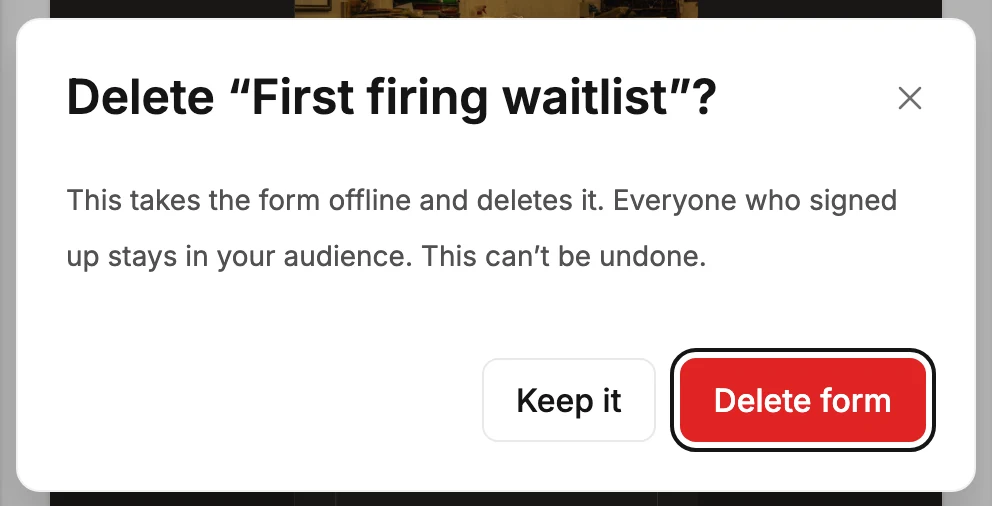
For a form that isn’t live, the dialog starts This deletes the form instead.
What deleting does
- A live form is taken offline first. Its link stops working and its embed code stops showing the form. Then it’s removed.
- The people who signed up through it stay in your audience, in the segments the form put them in.
- There is no undo. If you might want the design again, duplicate it first and keep the copy.
If the delete doesn’t go through, the dialog stays open and says Couldn’t delete the form. Nothing was removed — try again. For a live form that already went offline, it says The form is offline, but Jounce couldn’t delete it. It’s still in your list — try again.
Careful Only Managers and Admins see Delete form. If the row isn’t in your menu, see Why can’t I delete a form?.
Next step
To take a form offline without losing it, use Unpublish a form instead.
More in this topic
Updated