

Remove the Jounce credit
Short answer
Turn off Show the Jounce credit in Settings › Brand to drop the small Jounce line from your pages, emails, and the thank-you and unsubscribe pages. A live page drops it the next time you change the page.
When you’re done, a full page or a link-in-bio page at your myjounce.com address ends without the Jounce credit. That’s the small line at the bottom that links to Jounce.
The same switch removes it from the bottom of your emails, from the thank-you page people see when they confirm, and from the page people see once they unsubscribe. Pop-ups and inline forms never carry it.
What the credit says
The credit is a few words ending in Jounce, and the whole line is a link to jounce.com. Jounce tries a few wordings to learn which one people like best. So the line on your page or email can read Made with Jounce, Designed with Jounce, Crafted with Jounce, or Make yours with Jounce.
The thank-you and unsubscribe pages, a test email, and the previews in the editor always read Made with Jounce. Whatever the words, one switch turns the credit off everywhere.
Turn it off
-
Open the account menu at the top right and choose All settings, then Brand.
-
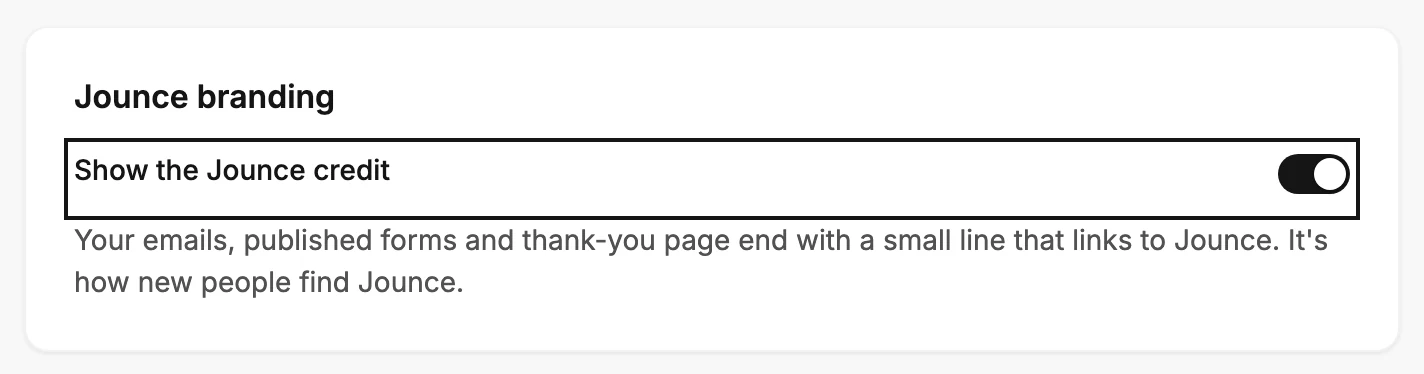
Scroll down to the Jounce branding card and find Show the Jounce credit. Its hint reads Your emails, published forms, thank-you page and unsubscribe page end with a small line that links to Jounce. It’s how new people find Jounce.
-
Turn the switch off. It saves the moment it flips, without Save kit.
A page that’s already live
A live page keeps the line it was published with until Jounce next updates it. Open the page in the editor, change a word, and click away from it. A few seconds later, Jounce rebuilds the page without the line. See Editing a live form for which changes count. Turning the switch back on works the same way.
Next step
Check the foot of the live page: Your form as a visitor sees it.
More in this topic
Updated