

Your form as a visitor sees it
Short answer
A visitor sees exactly what you designed, with nothing of Jounce around it; on a phone it fits the screen in one column. A full page or link-in-bio page opens at its own address; a pop-up or inline form appears inside your website.
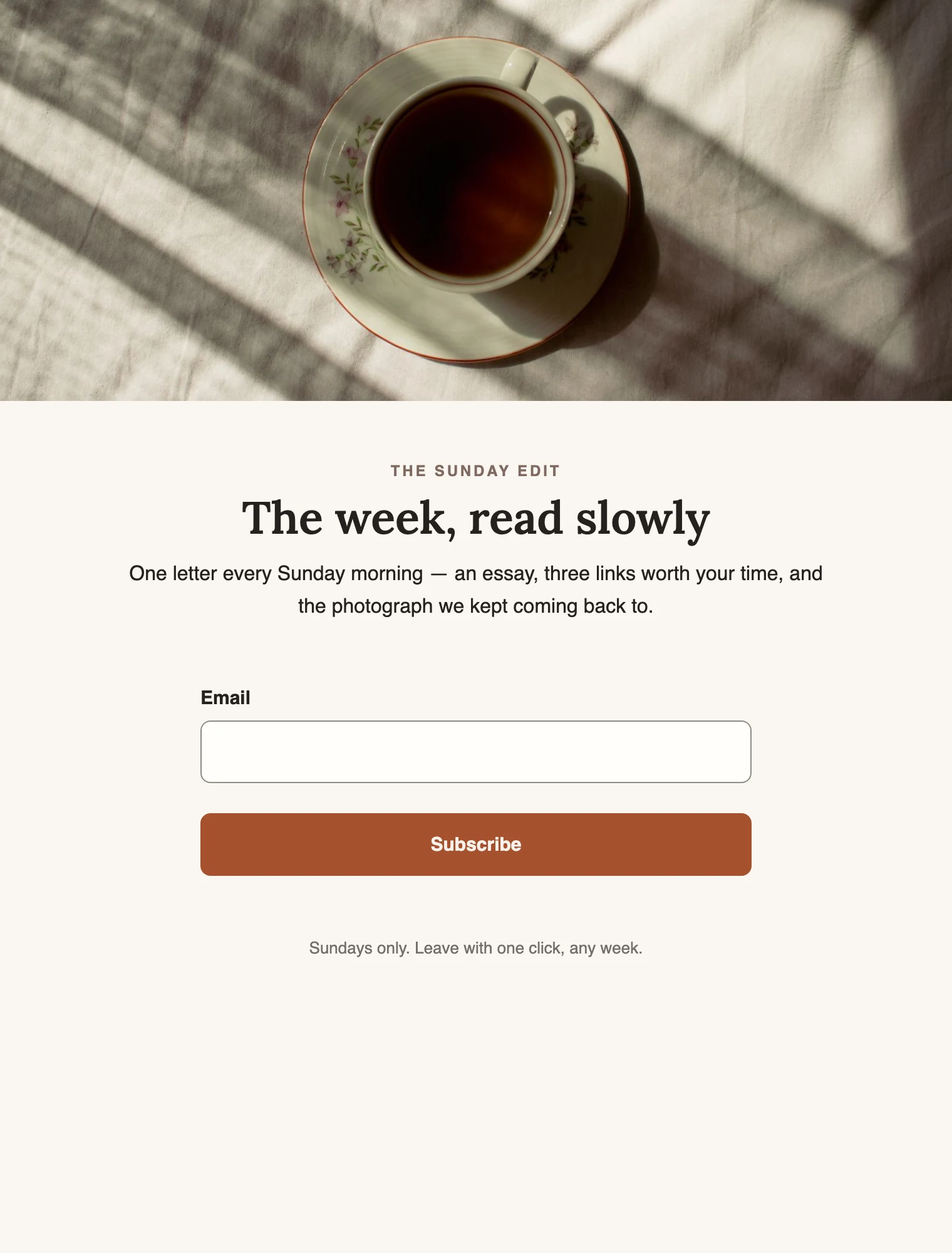
The live form is the design from the editor, drawn for real. It has the same words, images, fields, and button, in your brand’s colors and fonts. There’s no Jounce toolbar, no sign-in, nothing a visitor has to accept. Fields marked with a star must be filled in. The email field is always required.
Where each kind appears
- A full page or a link-in-bio page opens at its own address, the link Share gives you. The browser tab shows the form’s name. A full page fills the window, with its words and its form in a column down the middle. A link-in-bio page is the width of a phone screen, even on a desktop. At the bottom of the page sits the Jounce credit, a small link to Jounce. It reads, for example, Made with Jounce or Designed with Jounce. Its words can change from one visit to the next. See Your page’s address and Remove the Jounce credit.
- A pop-up opens over your own website, dimming the page behind it, with a small close mark in its corner. See How your pop-up behaves on your site.
- An inline form sits inside your website’s page, right where you pasted its code. It grows to fit its content. Neither a pop-up nor an inline form carries the Jounce credit.
On a phone
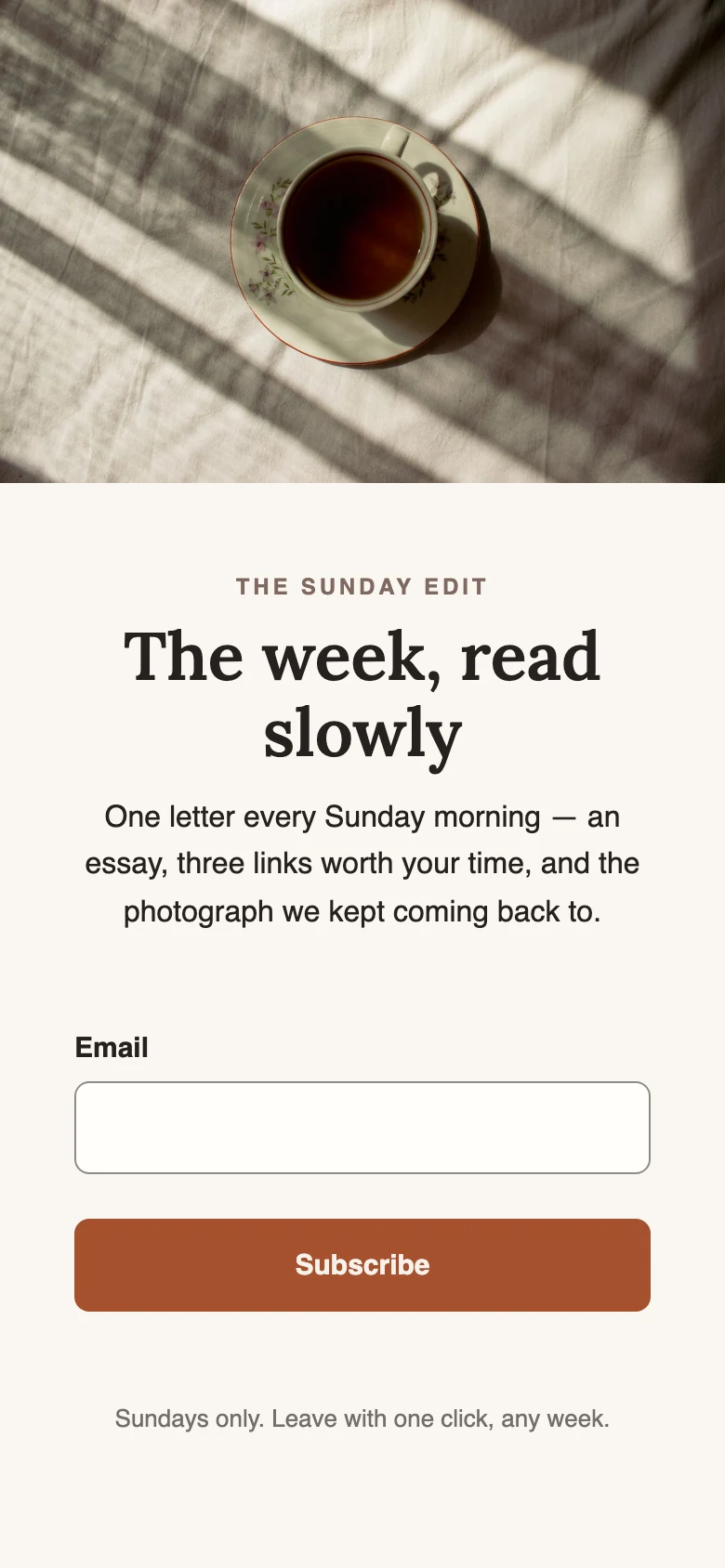
On a narrow screen, the same design rearranges itself into one column. The fields and the button stretch to the full width, and images scale to fit. A pop-up rises from the bottom of the screen instead of floating in the middle. The editor’s phone view shows this before you publish; see See your form on a phone.
When you change a live form
Edits reach the live form on their own a few seconds after you stop; see Editing a live form.
One thing to know: a page at your myjounce.com address is held for a short time on its way to a visitor. Someone who reloads right away can still see the old version for a minute or two. Then the change is there.
When the link is off
A draft form has no working page. A visitor who opens the link sees This form isn’t available, or a Jounce page saying the link doesn’t lead anywhere. See Why does my form’s link say it isn’t available?.
More in this topic
Updated