

The Action step
Short answer
An Action adds the subscriber to a segment or removes them from one, then moves them on at once. Pick Add to segment or Remove from segment under Type, then the segment.
An Action changes one thing about the subscriber, then sends them to the next step at once. There’s nothing to wait for. Select the card and the panel reads Action.
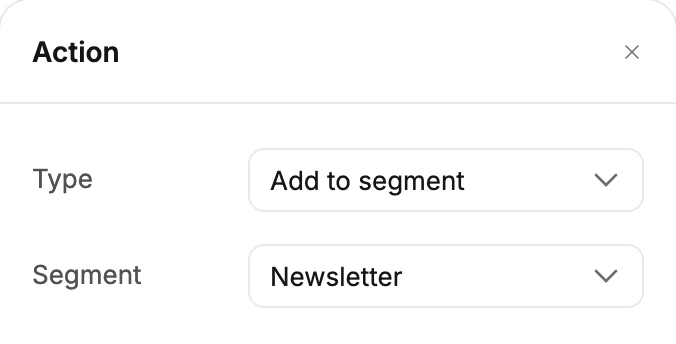
Type
Add to segment puts the subscriber in the segment. Remove from segment takes them out. A segment is a saved group of subscribers; see What a segment is.
Segment
Choose which segment. If you have none, the row says You don’t have any segments yet — create one under Audience first.
What it sets off
When this step adds someone to a segment, an automation whose trigger watches that segment starts for them, the same as if you’d added them by hand. Taking someone out of a segment never starts anything.
If the segment has been deleted since you built the step, the card names a deleted segment. Jounce skips the change and moves the subscriber on. Pick another segment, or delete the step.
The card
The card reads Add to Newsletter or Remove from Wholesale, with the segment’s name. Until you choose a segment, it reads Choose an action. Launch waits, and a red line reads Choose a segment for the action.
More in this topic
Updated