

Why can’t I see insights for an automation?
Short answer
The page shows one message instead of numbers when the automation hasn’t launched, nobody has entered it, it was deleted, or the numbers couldn’t load. Each message says which, and the automation is untouched.
The insights page shows numbers once an automation has something to count. Before then, or when something is in the way, it shows one short message in the middle of the page. Your automation is untouched either way.
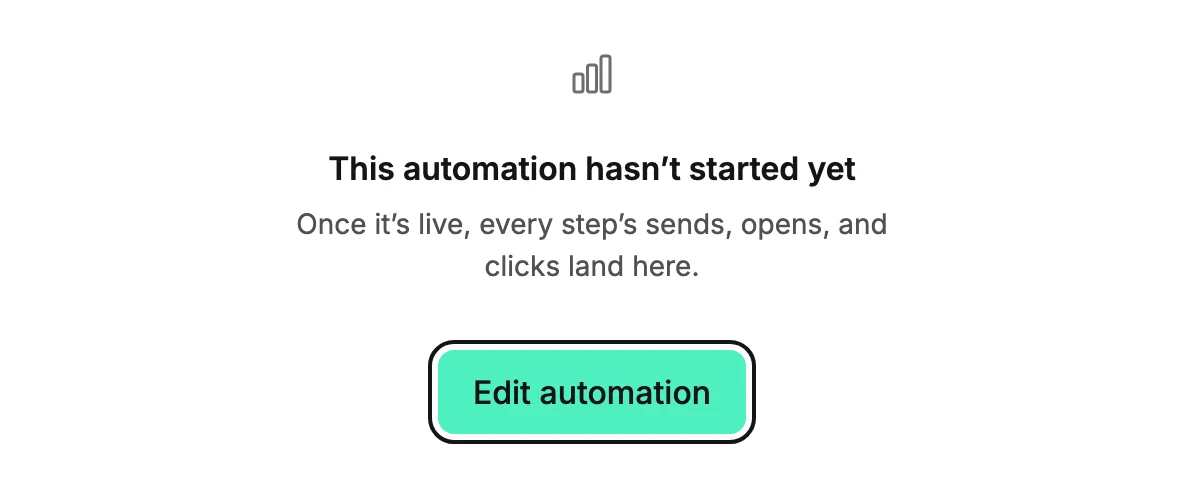
This automation hasn’t started yet
The automation is a draft. Nothing has run, so there is nothing to count. The page offers Edit automation, which opens its steps. Launch it when the steps are ready. See Launch an automation.
No one has entered this automation yet
The automation is live or paused, but nobody has set off its trigger since launch. Launching doesn’t reach back to people who matched the trigger before. The page offers Edit automation. See Why isn’t anyone entering my automation?
Jounce couldn’t find this automation
The automation was deleted, or the link points at one that doesn’t exist. In the few seconds after a delete, Undo can bring the automation back. After that, the link stays this way. Use Back to automations to return to the list. See Delete an automation.
Couldn’t load this automation’s data
The numbers didn’t arrive. Usually that’s a connection blip. The page says Your automation and its data are safe and offers Try again. Select it. If it fails again, leave with the back link and reopen the page in a moment.
More in this topic
Updated