

Step 3 of 5
Create an email from a template
Short answer
On your Emails page select Create email, choose Start with a template, and select a design. Jounce makes the email and opens it in the editor.
When you’re done, a draft with the template’s design is open in the editor. It’s listed on your Emails page too.
-
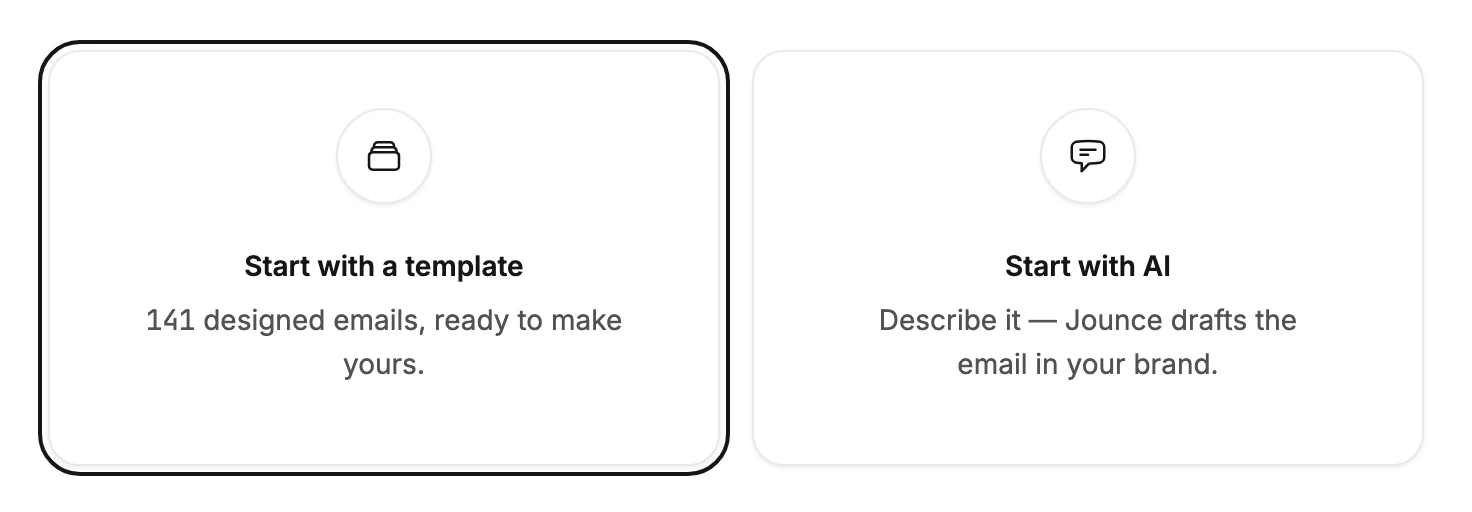
Open Emails and select Create email. Jounce asks How do you want to start?
-
Choose Start with a template. Start from scratch, below the tiles, opens an empty email you build block by block instead.
-
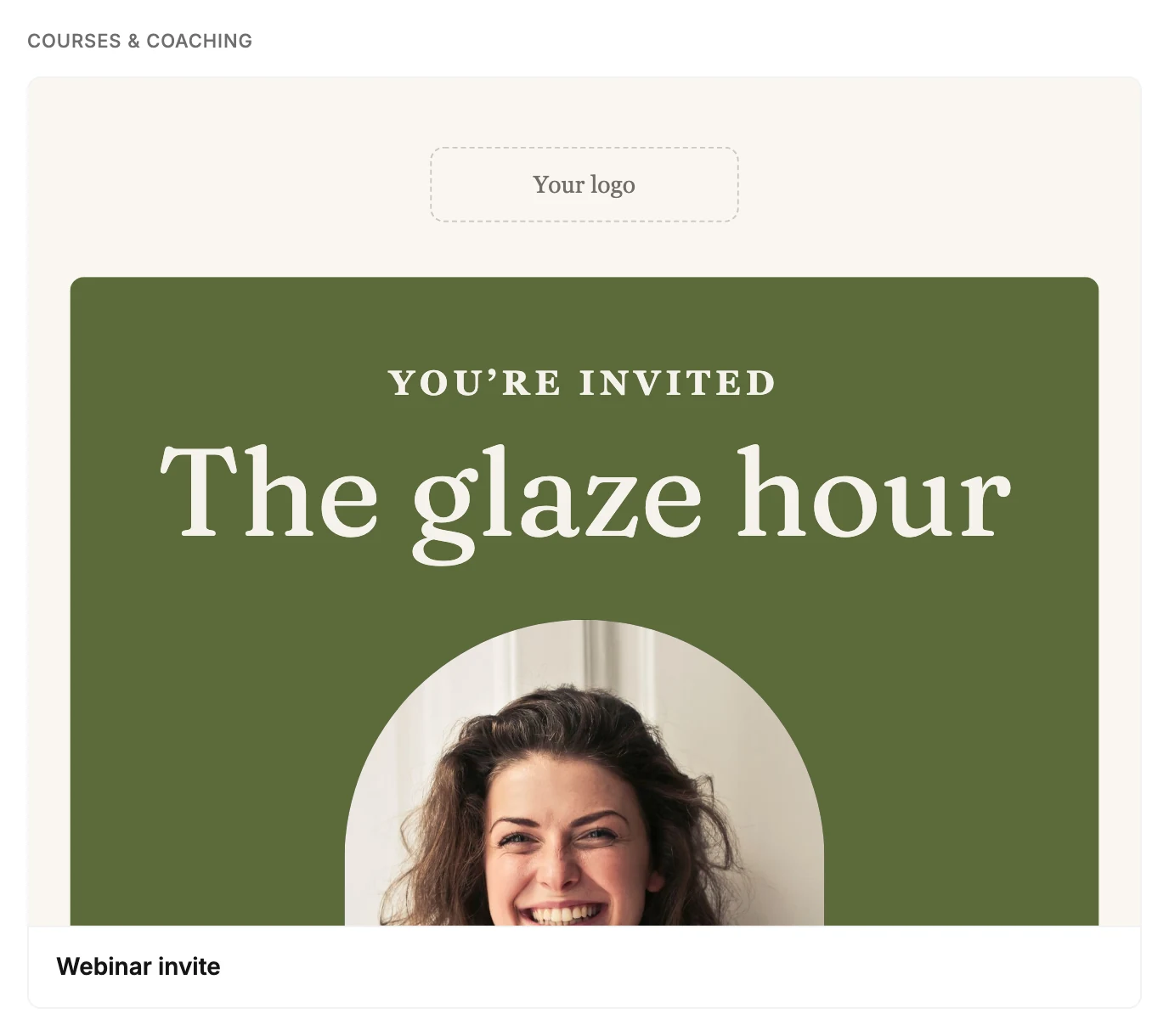
The page asks What’s your email for? and opens on the industry in your Brand profile. Pick a goal, such as Welcome & win-back or Newsletters. All shows every template for that industry.
-
Rest your pointer on a card, or tab to it, to read the whole design. It scrolls through the card from top to bottom.
-
Select the design you want. Jounce makes the email and opens it in the editor.
The email takes the template’s name, subject line, and preview text. Its photos come along too: keep them, or swap in your own.
Picked the wrong design? Select Emails at the top left of the editor. The draft waits on your Emails page, where you can delete it. See Delete an email.
To see designs made for other kinds of business, select Show templates from all industries at the end of the list. See Why don’t I see every template?
In the editor
The email opens in the same editor as an email you start with AI. The top bar holds Preview, Send test, and Continue, which starts the send steps. The settings panel ends with Before you send, a list of what the draft still needs, such as One button still needs a link.
The email’s colors, fonts, and logo come from your brand kit, the one saved on your Brand page. To change it from here, select the space around the email, then Brand kit in the settings panel. See Apply your brand to new emails.
Note Jounce sends this email in your saved brand kit. If you’ve never saved one, open Brand kit, check your logo, colors, and fonts, and select Save kit.
Next step
Make it yours in The email editor screen, then Send a test email.
More in this topic
Updated