

Sign in to Jounce
Short answer
On the sign-in page choose Continue with Google, or Continue with email and enter your email and password. Jounce opens on your Emails page.
When you’re done, Jounce is open on your Emails page. Sign in the same way you signed up.
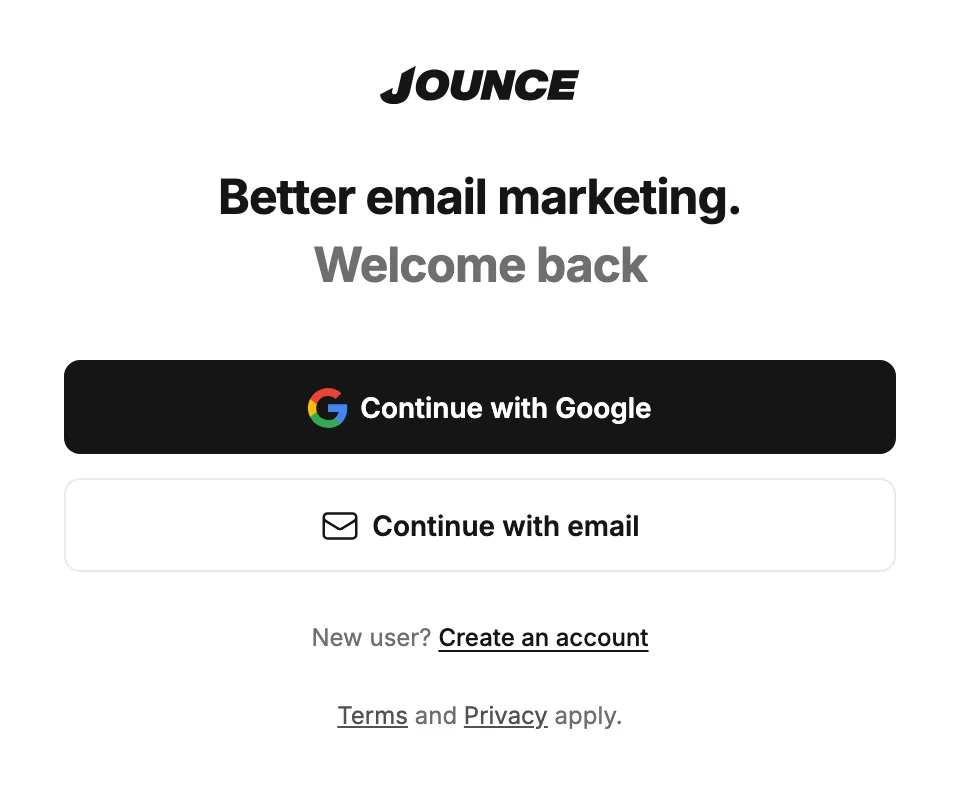
With Google
- Open app.jounce.com.
- Select Continue with Google. Google’s sign-in page opens in the same tab.
- Pick your Google account. Jounce opens.
Already signed in to Google in your browser? Your browser may offer your Google account as soon as the page opens. Select Continue as your name, and Jounce opens. If you’ve used it before on this computer, Jounce may sign you in by itself.
With your email and password
- Open app.jounce.com and select Continue with email. The Email and Password fields appear.
- Type your email and password. The eye icon in the password field shows what you typed.
- Select Sign in.
Forgot your password? The Forgot password? link sits under the password field. See Reset your password.
Where you land
Jounce opens on your Emails page, with these exceptions:
- If you signed up with an email and haven’t verified it yet, the page says Check your email instead. Once you verify, the page carries on without you.
- If you haven’t finished setting up a workspace you made, setup opens where you stopped.
- If you opened a link or a bookmark to a page in Jounce while signed out, such as your Billing page, you land on that page. The same goes for the button under a help article’s title, such as Open Settings › Sending.
- If you came from an invite link, you go back to the invite. See Accept an invite.
For a link or a help article’s button, Jounce remembers the page for a short while. If you take longer than that to sign in, Jounce opens Emails instead.
To sign out, open the account menu at the top right and choose Sign out. See Sign out of Jounce.
Next step
To find your way around, see The top bar. To get your first email out, see Send your first email.
More in this topic
Updated