

Why does it say I’m not in a workspace?
Short answer
You left the workspace you were in or an admin removed you, and it was the only one on your login. Nothing you made is lost; it stays with that workspace.
The card appears after you sign in when your login belongs to no workspace. You left the one you were in, or an admin removed you from it. Your account is fine. The emails, subscribers, and forms you worked on stay with that workspace, under its admins.
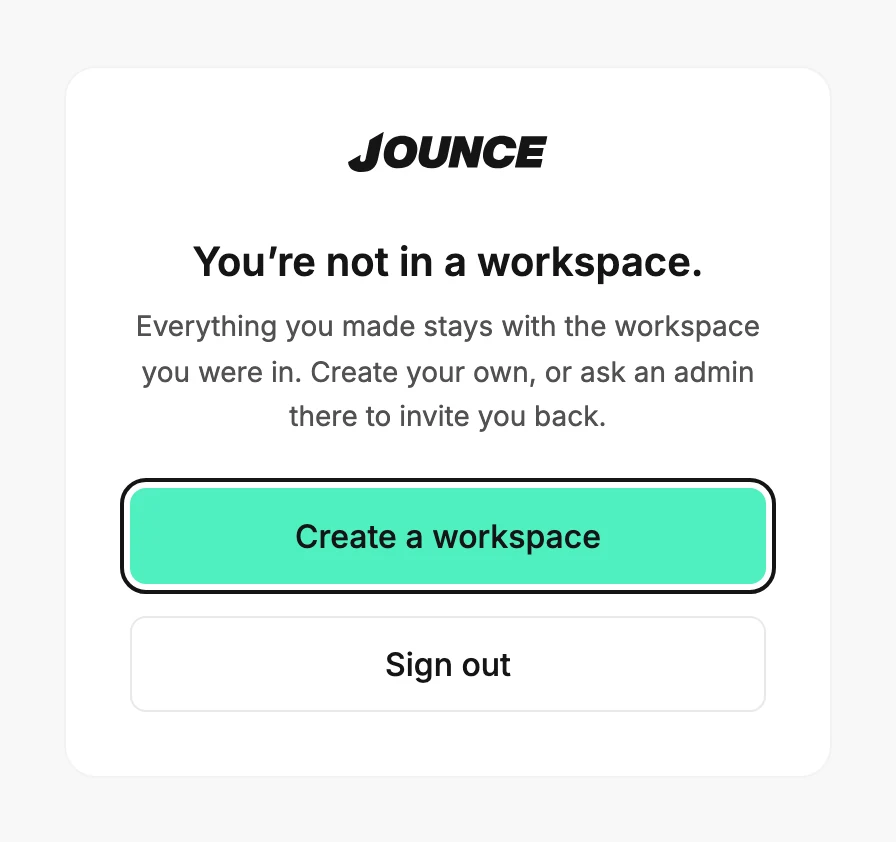
The card offers two ways forward. Jounce creates nothing unless you choose it.
Start your own workspace
- Select Create a workspace. The card asks you to name it.
- Type a name in the field and select Create workspace.
- Jounce says You’re in ⟨workspace⟩ and opens setup for it: its website, a few questions, and its brand.
You’re the admin of the new workspace. It starts empty, so nothing from the old one comes along. See Create a workspace.
Get invited back
Select Sign out, then ask an admin of the old workspace to invite you again. When their invite email arrives, open its link and sign in. You land back in that workspace with whatever role they gave you.
If it happened while you were working
Jounce shows You were removed from ⟨workspace⟩ and moves you on. If your login belongs to another workspace, you land there. If not, you land on this card.
If you opened this page yourself
If you type this page’s address while you belong to a workspace, Jounce checks, sees you’re in one, and opens your Emails page.
More in this topic
Updated