

Subscriber statuses
Short answer
Every subscriber has one of five statuses, and Jounce sends only to people marked Subscribed. The other four each mean something specific happened.
A status is a fact, not a judgment about the person. It shows as a label on their row in the list, in the Status menu above the list, and at the top of their page.
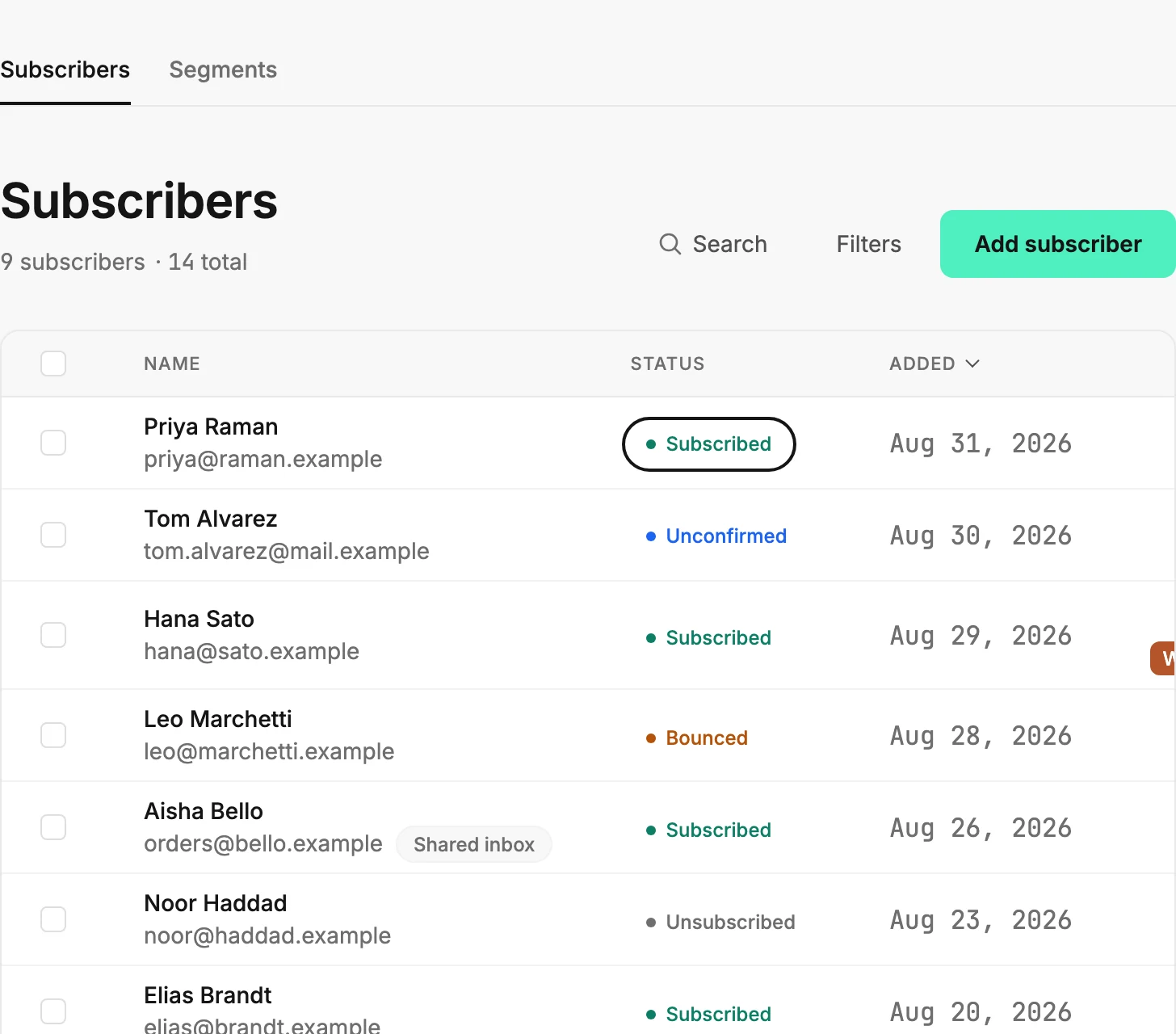
The five statuses
| Status | What it means | What Jounce does |
|---|---|---|
| Subscribed | They’re on your list and can be mailed. | Sends your emails to them. |
| Unconfirmed | They signed up but haven’t clicked the link in their confirmation email yet. | Waits. They become Subscribed the moment they click the confirmation link. |
| Unsubscribed | They opted out through the link in an email, or a connected app opted them out. | Doesn’t send to them again. Only they can resubscribe, through one of your forms. |
| Bounced | Their mailbox rejected an email, usually because the address is wrong or gone. | Stops sending to that address, to protect your sending reputation. |
| Complained | They marked one of your emails as spam. | Stops sending to them. |
What changes a status
The person moves it themselves: they click a confirmation link, click unsubscribe, or mark an email as spam. Their mailbox moves it when it bounces. A connected app, such as a Zap or your developer’s code, can unsubscribe someone too.
Adding an address that’s already on your list never changes its status. If you add someone who unsubscribed, Jounce says so: Only they can resubscribe, through one of your forms.
When they fill in one of your forms again, Jounce emails them a confirmation link. Their click puts them back on your list.
Deleting someone doesn’t clear an unsubscribe, a bounce, or a spam complaint. If they sign up through one of your forms later, they come back at that status, not as a new subscriber.
Someone you deleted while they were Subscribed comes back Unconfirmed through a form that asks people to confirm. They stay that way until they click the confirmation link.
You can send the confirmation link again to someone marked Unconfirmed. See Resend a confirmation email.
If someone marked Bounced gives you a working address, open their page. Select Change beside the address.
The count under the title
The number under Subscribers counts only the people marked Subscribed. Why is my subscriber count lower than my total? explains the two numbers. A segment’s card counts the same way; see Why does my segment show fewer people than I added?
More in this topic
Updated