

The Billing page
Short answer
The Billing page holds one card, and it says plan management isn’t in the app yet. To change your plan or payment details, you email hello@jounce.com.
Select your avatar at the top right and choose All settings, then Billing under Workspace. The page’s own line says what it’s for: Your plan and payment details. Every role sees Billing in the settings list. The page has no controls, so nothing on it depends on your role.
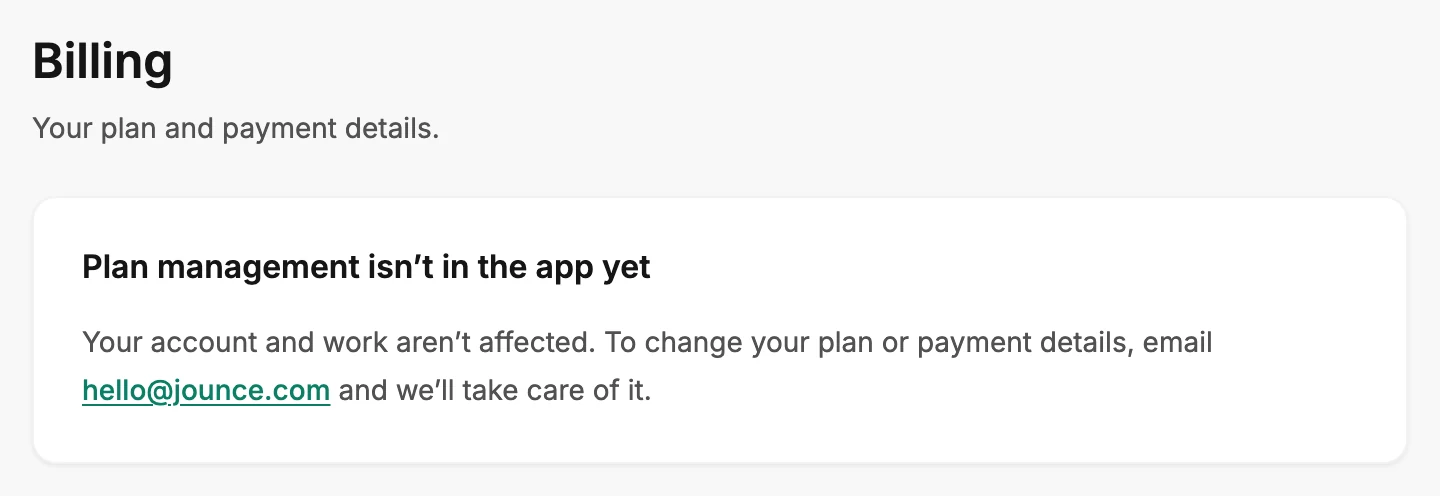
Plan management isn’t in the app yet
The one card says it plainly: Your account and work aren’t affected. To change your plan or payment details, email hello@jounce.com and we’ll take care of it. The only thing to select on the page is that address. It opens a new email to Jounce in your mail app.
Your plan, your payment method, and your invoices don’t show here. This page changes nothing in your workspace: your emails, forms, automations, and subscribers stay as they are.
Changing your plan or payment details
Write to hello@jounce.com and say what you’d like changed. See Change your plan or payment details.
The same address works for anything else a person at Jounce needs to handle, including closing your account. See Get help from a person at Jounce and Close your Jounce account. Billing belongs to the workspace, not to your login. A workspace is a separate space with its own brand, audiences, emails, team, and billing. See What a workspace is.
More in this topic
Updated