

Change your plan or payment details
Short answer
Plan and payment changes aren’t in the app yet, so email hello@jounce.com from the address you sign in with and say what you’d like changed. A person at Jounce makes the change and writes back.
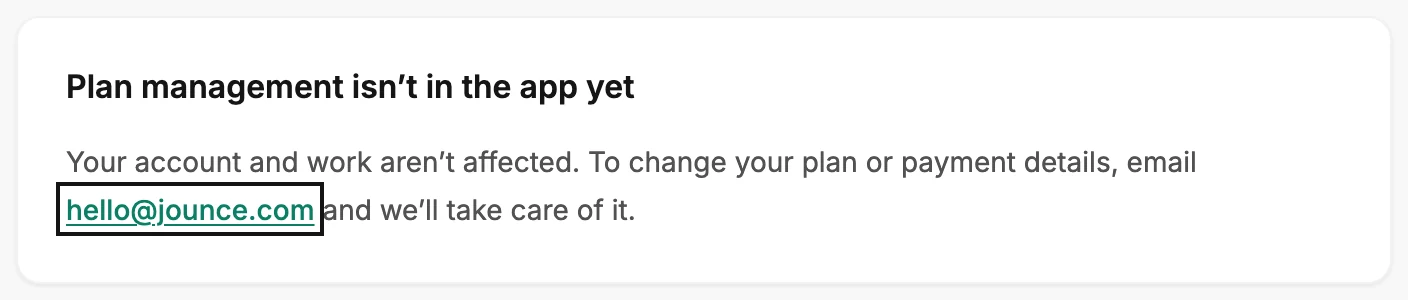
When you’re done, Jounce has one email from you that says what to change. There’s no button for this in the app. The Billing page says so, and a person at Jounce makes the change for you.
- Select your avatar at the top right and choose All settings, then Billing.
- Select hello@jounce.com on the card. A new email to Jounce opens in your mail app. Any mail app works; the address is what matters.
- Send it from the address you sign in with, and name your workspace. Say what you’d like changed: the plan, the card, or a copy of an invoice.
- Wait for the reply. Nothing in your workspace changes while you wait; your emails, forms, automations, and subscribers stay as they are.
What to include
- Your workspace’s name. It’s on the row under your name in the account menu, and admins see it at the top of the Members page. See The Members page.
- The address you sign in with, if you write from a different one.
- The change, in a sentence.
Careful Leave your card number out of the email. Say you’d like to change the card, and Jounce takes it from there.
Where your plan shows
Nowhere in the app. The Billing page holds one card and no numbers; see The Billing page.
Your workspace keeps working while you wait for the reply. If the address you sign in with has changed, see Why can’t I change my email address?.
Next step
Nothing on the Billing page changes until a person at Jounce writes back.
More in this topic
Updated