

Why is an Analytics tab empty?
Short answer
An empty tab means there is nothing in the range to count yet, and the message says what. On the Emails tab a wider time range often fills it; the other tabs fill once you have a subscriber, a form, or an automation.
Nothing is wrong. An empty tab means Jounce has nothing in the range to count, and the message names what is missing. Your list, emails, forms, and automations are all untouched.
What each message means
| Message | Why | What fills it |
|---|---|---|
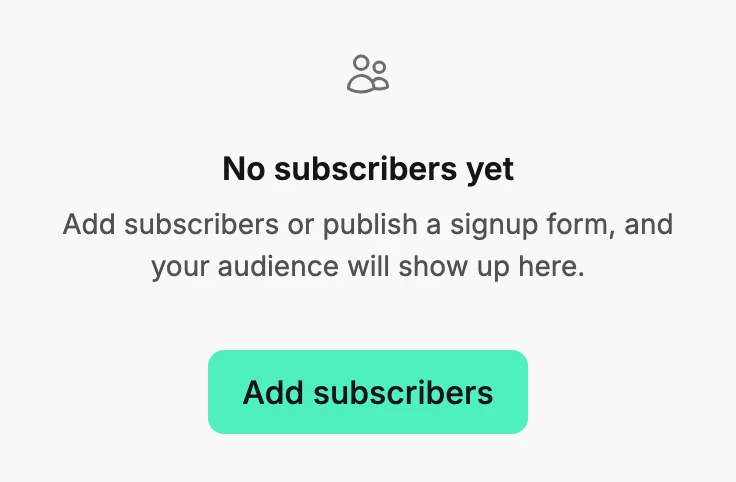
| No subscribers yet | Nobody is on your list, in any status. | Add subscribers takes you to Audience; the note reads Add subscribers or publish a signup form, and your audience will show up here. |
| No sends in the last 30 days | No email finished sending inside the range. The range is named in the message. | Pick a wider range, or send an email. |
| No forms yet | You haven’t created a form. | Create form. |
| No automations yet | You haven’t created an automation. | Create automation. |
The Emails tab after a send
The Emails tab counts an email from the moment its send finishes. An email still sending, a scheduled one, and a draft don’t count yet. A send older than the range drops out; pick 12 months to see the whole year.
A send that failed before it reached anyone has no row either. See Why can’t I see results for an email?
A tab with cards but no chart
That isn’t empty. When nobody joined in the range, the Subscribers tab shows No new subscribers in the last 30 days in place of its chart. The Forms tab does the same for submissions. The cards above still count.
The Emails tab needs two sends in the range before it draws a trend. With one send it reads Send another campaign to see your open and click trend over time.
More in this topic
Updated