

Bounces, complaints, and unsubscribes
Short answer
Three things take a person off the list Jounce sends to: a mailbox that refuses an email for good, a spam complaint, or an unsubscribe. A full inbox or a mailbox that asks Jounce to try later isn’t a bounce, so it changes nothing for that person.
Every email Jounce sends for you can come back with news about the person it went to. Three kinds of news matter. Jounce acts on each the same way: it stops sending to that person and says so on their row in Audience.
The three signals
| Signal | What happened | Status |
|---|---|---|
| Bounce | Their mailbox refused the email for good. The address has a typo, or the mailbox is gone. | Bounced |
| Complaint | They pressed Report spam in their mail app, and their mail provider told Jounce. | Complained |
| Unsubscribe | They used the unsubscribe link at the bottom of your email, or their mail app’s own Unsubscribe button. | Unsubscribed |
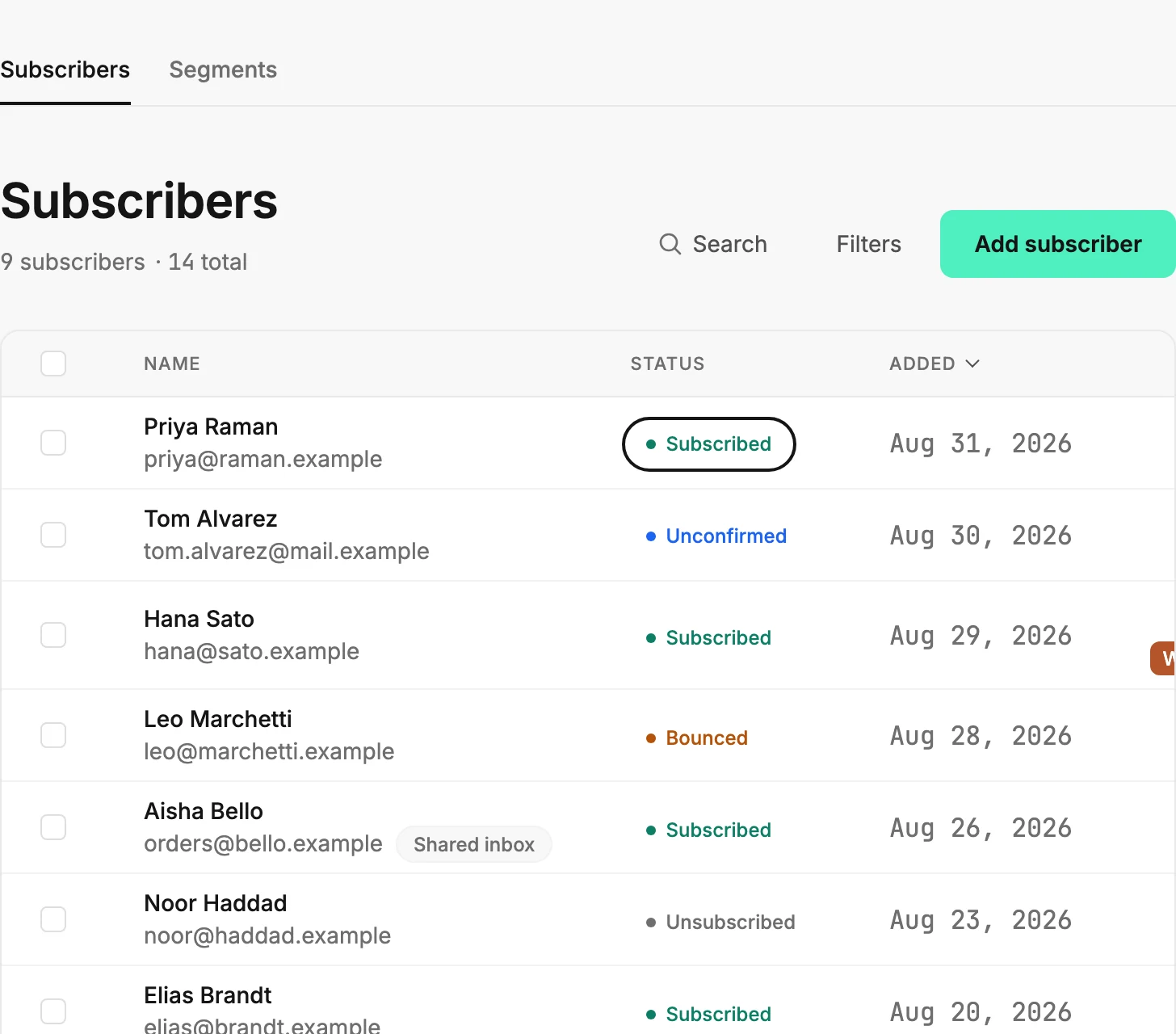
All five statuses are in Subscriber statuses. Coming back after an unsubscribe, a bounce, or a complaint says who can lift each one.
What isn’t a bounce
A full inbox is not a bounce. Nor is a mailbox that is away, or a mail server that asks Jounce to try again later. Nothing changes for that person, and your next send tries them again. Only a refusal for good counts.
When the news arrives
Jounce records an unsubscribe the moment the person presses the button. If Jounce can’t save it right then, Jounce keeps trying on its own, so the unsubscribe can show up a little later.
Bounces and complaints come back from the mail provider after the send, and some take a day or two. A person can turn Bounced days after the send. That’s why a fresh results page reads Bounce and complaint numbers settle over the first day or two. See How Jounce counts opens, clicks, and bounces.
Which one sticks
A complaint outranks a bounce, and a bounce outranks an unsubscribe. If someone marks your email as spam and later clicks unsubscribe, they stay Complained. A lower-ranked status never replaces a higher one. Only the paths in Coming back after an unsubscribe, a bounce, or a complaint put someone back on the list Jounce sends to.
Where you see them
- On Audience, as the status label on their row. The Status menu above the list shows everyone with one status.
- On their page, the Activity list gains a line: Email bounced, Marked as spam, or Unsubscribed. See The Activity list.
- On the send’s results page, as the Bounced, Spam complaints, and Unsubscribed counts under its main numbers. See The results page.
- On Analytics, where the Emails tab adds them up across a period. See The Emails tab. To count who left in a period, use See how many people unsubscribed in a period. When Complaints turns amber there, see Why does Analytics say complaints are high?.
- At the top of the app, when bounces or complaints climb high enough to put your sending at risk. See Sending warnings and pauses.
An automation’s emails count the same way, on its Insights page. See The Insights page.
More in this topic
Updated