

The address your emails come from
Short answer
Until you authenticate your own domain, your emails come from your business name at send.jouncemail.com, and once it’s authenticated, from hello@ at your domain. Either way, replies go to the workspace owner’s sign-in email.
Every email has two parts in its From line: the name and the address. The name is your From name. The address depends on one thing: has your workspace authenticated its own domain?
Sent via Jounce
Before you authenticate a domain, Jounce sends from your business name on its own sending domain. It is made from your From name, so Cal Preserving sends from calpreserving@send.jouncemail.com. There is nothing to set up. Jounce signs the email, so mailbox providers can check it is genuine.
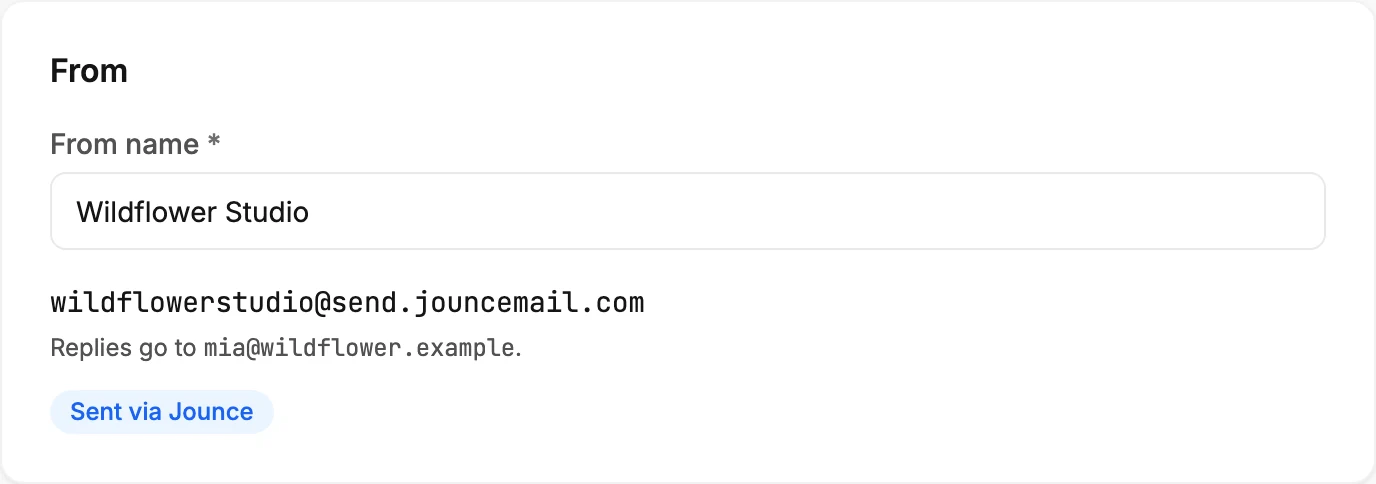
A few things about that address:
- Each name belongs to one workspace. If another business already has it, yours gets a number, such as studio-2.
- Until your first real email goes out, the address follows your From name. Change the name on the Sending page and the address changes with it.
- After your first real email, the address stays the same for good, even if you change your From name. Subscribers who saved it keep getting you from it. A test email doesn’t count.
- Your sign-in email is never part of the address.
- With no From name yet, the address is a short code instead, until you set one.
The From card on the Sending page, the From row on the Review step, and the Send test dialog all show the address your email really goes from.
While you send from the Jounce address, a small dialog may ask you to set up your own domain when you open the app. See The Send from your own domain invitation.
Authenticated
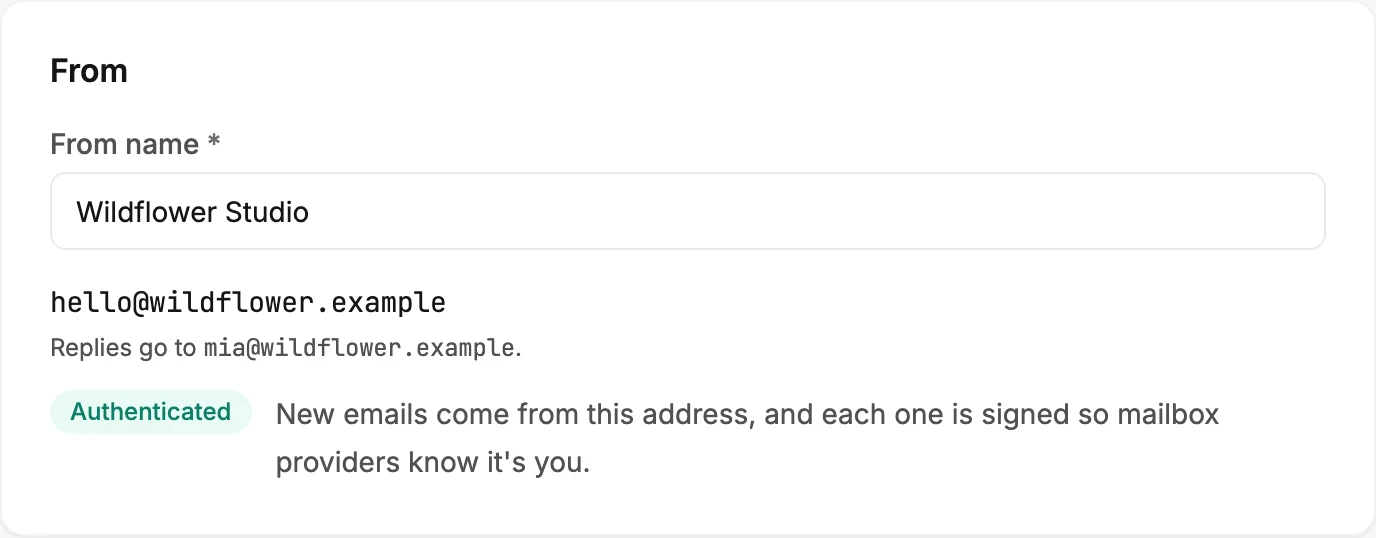
Once a domain is authenticated, your emails come from hello@ at that domain. Jounce sets that address when the domain is authenticated. The From card shows it with the Authenticated badge. Each email is signed with your domain, so mailbox providers know it is you.
Every email from the workspace uses the domain: your sends, your test emails, your automation emails, and the email that asks a new signup to confirm.
Where replies go
Replies go to the workspace owner’s sign-in email, whichever address the email comes from. The From card says so under the address: Replies go to, then the owner’s email. A reply never lands at the Jounce address or at hello@, so you don’t need a mailbox at hello@ for it.
To have replies reach someone else, an Admin makes that person the owner. See Make someone else the owner.
What you can and can’t change
You can change the From name any time. You can’t type a different address. It is either your Jounce one or hello@ at your authenticated domain. Removing the domain on the Sending page takes you back to your Jounce address.
The same for everyone in the workspace
The address belongs to the workspace, not to the person pressing send. So a teammate’s email goes out from the same address as yours, and replies reach the workspace owner, not the teammate.
More in this topic
Updated